
Project management apps - definition, examples, and use cases
Discover how project management apps improve team collaboration, manage tasks, track progress, reduce chaos, and support better project decisions.

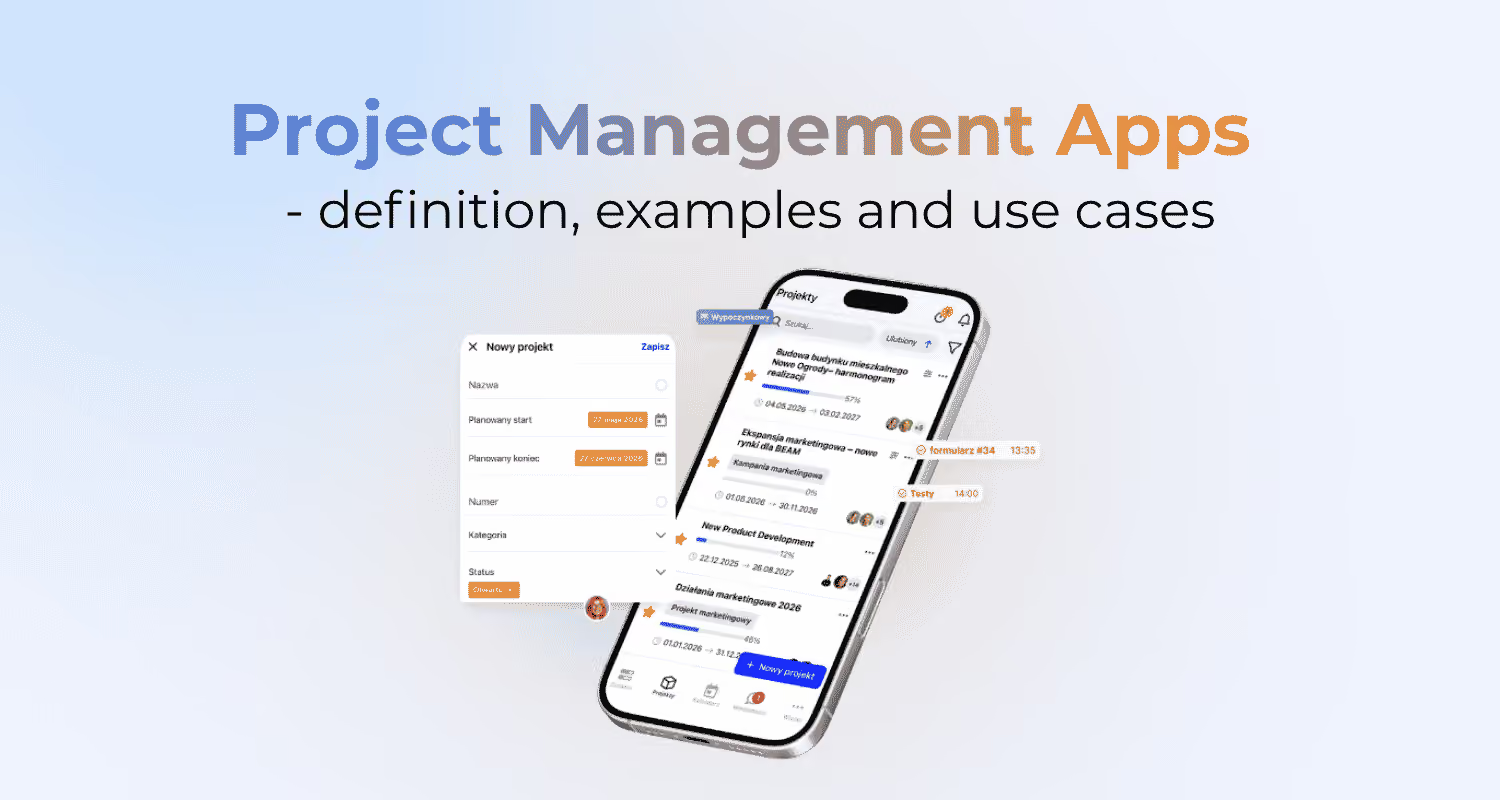
Tell our team about your needs and we will customize the tool as part of your chosen package!
Project management apps help teams turn scattered plans and agreements into an organized system of work. In one place, they bring together tasks, deadlines, ownership, communication, and progress tracking. The biggest value of this kind of app shows up when it brings clarity to ownership, deadlines, and decisions in day-to-day work. It’s not just a digital task list, but a way to organize collaboration across people, stages, and dependencies.
What project management apps are and what problems they solve
A project management app is a tool used to plan work, assign tasks, and track progress. It brings deadlines, owners, statuses, priorities, comments, and attachments together in one place. That way, the team can see what needs to be done, who’s responsible for it, and when the work should be finished.
In practice, this kind of tool cuts down the chaos that comes from working across email, chat, spreadsheets, and meetings. The most common problem isn’t a lack of information, but the fact that the information is scattered. When agreements aren’t tied to specific tasks, it’s easy to end up with unclear deadlines, no owner, and a hard time assessing progress.
The app doesn’t replace decisions or accountability, but it makes them visible. A project manager, team lead, marketer, or operations specialist can spot blockers, delays, and overload faster. For creative, product, and technical teams, that means less guesswork and more work based on current data.
What features project management apps offer
The most important project management app features include tasks, work views, communication, reporting, integrations, and automation. Their value depends on whether they support the team’s real way of working. A more advanced feature is only useful when it helps the team plan, execute, or control the project faster.
- Creating tasks with an owner, deadline, priority, and status,
- Setting dependencies that show what’s blocking the next steps,
- List, Kanban board, calendar, timeline, or dependency chart views,
- Comments, mentions, attachments, and change history on a specific task,
- Reports and dashboards showing progress, delays, workload, and risks,
- Integrations with chat, email, calendar, drive, forms, CRM, or analytics,
- Automations that move tasks, send notifications, and create recurring work.
Work views matter a lot because different projects need different ways of staying in control. A Kanban board helps with the flow of tasks between statuses, while a calendar makes it easier to keep track of publishing schedules and deadlines. A timeline or dependency chart is useful when a delay in one stage affects the next steps.
Contextual communication reduces the risk of duplicating decisions across several channels. If the comment, file, and decision are attached to the task, it’s easier to trace why a specific change was made. Reports use that data, so the quality of the dashboard depends on regular status updates.
How to choose the right project management app
You choose the right app by matching it to your team size, project type, and the level of control you actually need. A small team with simple tasks will usually get more value from clarity than from advanced reporting. A team working on campaigns, approvals, and dependencies already needs better views, integrations, and deadline control. The worst choice is a tool that’s bigger than the process itself, because then the team ends up serving the system instead of the project.
When choosing, it’s worth checking a few criteria that directly affect day-to-day work:
- team size and the number of people involved in projects,
- type of projects, for example campaigns, creative work, operational activities, or technical projects,
- level of formalization, meaning the number of stages, approvals, and dependencies,
- required integrations with chat, email, calendar, drive, CRM, or analytics,
- scope of reporting, especially progress, delays, workload, and risks,
- ease of use for the people who’ll be updating tasks every day.
The most important trade-off is between control and simplicity. More features help manage dependencies, resources, and reporting, but they also make implementation more complex. A simpler tool will be adopted by the team faster, but it may limit how well the work can scale and how visible it is to stakeholders.
A more advanced app is worth choosing when the project involves many people, deadlines, approvals, repeatable processes, and dependencies between tasks. For very simple tasks, a small team, or a lack of readiness to keep data updated, a lighter solution will be better. In marketing operations, publication calendars, briefs, creative approvals, and visibility into dependencies across channels matter especially.
How to successfully implement a project management app in a team
A successful implementation starts with working rules, not with configuring every available feature. The team needs to know who creates tasks, what the statuses are called, and when progress gets updated. You also need to decide where decisions are made so comments in the app don’t duplicate conversations in chat.
The simplest way to start is with a shared task template: owner, deadline, priority, status, and a clear description of the expected outcome. Without an owner, a task is just a note, and without a deadline, it’s hard to assess the risk of delay. Data in the app is only useful when the team treats it as the current source of truth.
The implementation should immediately reduce common mistakes. Too many statuses slow work down because people don’t know when to move a task forward. Missing priorities make decisions harder when the team is overloaded, and outdated data ruins reports and dashboards.
The app won’t replace decisions, accountability, or good communication between people. But it can quickly show delays, blockers, individual workload, and deadline conflicts. That’s why it’s worth tracking practical KPIs such as on-time task completion, number of delays, completion time, number of blockers, and the quality of handoffs between stages.
Common mistakes and limitations when using project management apps
The most common mistakes come from rolling out a tool without clear rules for how the team should work. The team starts filling in fields, statuses, and comments, but no one really knows what they mean in practice. The result is simple: the app looks organized, but it doesn’t help anyone make decisions.
The most harmful issue is tasks without owners, because accountability gets blurred. Outdated data creates a similar problem, because reports and dashboards start showing a false picture of the project. Too many statuses make workflow harder, especially when people don’t know when to move a task to the next stage.
- tasks with no assigned owner,
- statuses the team doesn’t understand the same way,
- comments duplicated in both the chat app and the project app,
- no priorities when the team is overloaded,
- reports based on outdated statuses,
- rolling out the tool without a defined process.
A project management app does not replace decisions, priorities, or accountability for the outcome. It can show a delay, a blocker, or overload, but someone still has to decide what to change. If the team doesn’t update the data regularly, even the best tool becomes just another place where chaos builds up.
Which metrics and KPIs are worth tracking in project management
In project management, it’s worth tracking metrics that show timeliness, delays, blockers, workload, and whether the work stays within scope. Good KPIs are not there to dress up a report. They should quickly show where a leader, project manager, or the team needs to make a decision.
On-time task completion shows whether the plan is realistic and whether the team is sticking to what was agreed. The number of delays helps catch recurring problems at different stages of the work. Completion time shows how long tasks take to move from start to finish.
- on-time task completion,
- number of delays,
- completion time,
- number of blockers,
- resource utilization,
- scope adherence,
- quality of handoffs between stages.
The most useful KPIs are tied to a specific action, not just to spotting a problem. If the number of blockers is rising, you need to review dependencies and decision owners. If on-time delivery is dropping, it’s worth looking at priorities, people’s workloads, and deadline conflicts.
When to use project management apps — and when to avoid them
A project management app is worth using when the work involves multiple people, dependencies, deadlines, approvals, or repeatable stages. In those conditions, the tool gives you visibility that email, chat, or a spreadsheet alone can’t provide. It’s especially helpful when stakeholders need a quick progress update without having to ask each person separately.
It makes the most sense for marketing campaigns, publishing calendars, briefs, creative approvals, and cross-functional projects. In those situations, one delay often affects the tasks that follow, so you need control over dependencies. If a project requires coordination of decisions, deadlines, and accountability, an app will usually organize the work better than scattered arrangements.
- the project involves several people or teams,
- tasks have owners, deadlines, and dependencies,
- approvals, handoffs, or stage control are needed,
- the process repeats, for example in campaigns or publishing,
- the leader needs visibility into workload, blockers, and delays,
- stakeholders expect transparent reporting.
It’s best to avoid a complex tool when tasks are very simple, the team is small, and the data won’t be updated regularly. In that case, the app can add administrative work instead of reducing chaos. A simpler way of organizing the work may be the better choice if there are no real dependencies, risks, or reporting needs.
The most important question is not “does the tool have lots of features?” but “will the team use them consistently?” Without regular updates, even good reports lose their value. That’s why the decision to implement a tool should come from the nature of the work, not just from the desire to organize everything in a system.
See more:
Project management - definition, examples and application
Software for project managers - definition, examples, and applications
Also read
Update 09/2026: Even more accurate project planning
September IC Project update: set project duration in days and exclude non-working days from schedules. Plan projects faster and more accurately.
.png)
.png)
Try IC Project in your company
Our team is ready to help!

Create a free account and test with no obligation