
Internal communication tools - definition, examples, and application
Discover how internal communication tools organize information flow, improve decision-making, and support effective collaboration across teams.

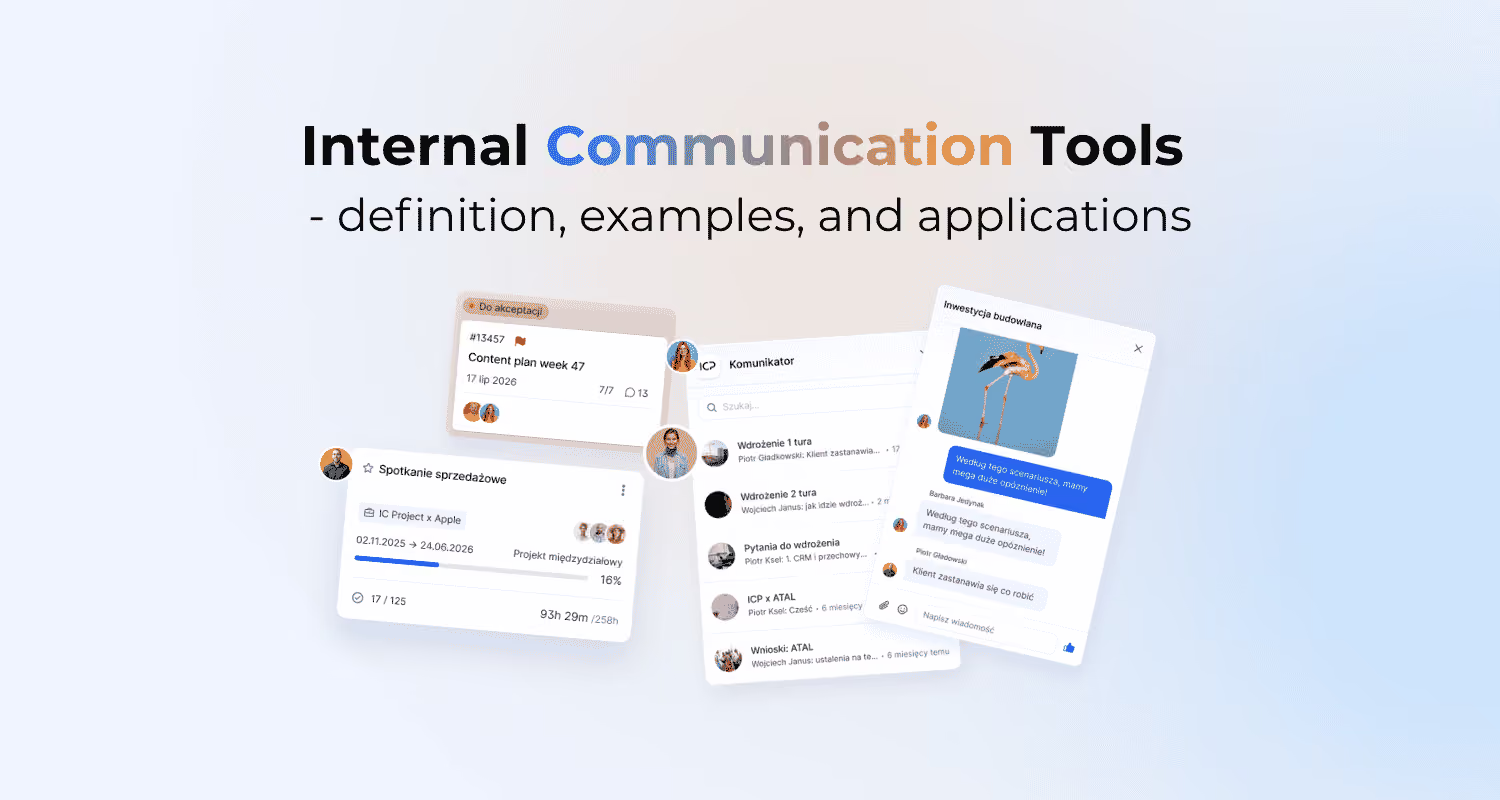
Tell our team about your needs and we will customize the tool as part of your chosen package!
Internal communication tools bring order to the flow of information, decisions, and knowledge across a company. In practice, it’s not just about the chat app or the intranet, but about how the team uses each channel. Good tools only shorten response times when everyone knows where to ask a question, where to record a decision, and where to look up what was agreed. This article shows what these tools should do, what problems they solve, and what to look for when using them.
Definition and purpose of internal communication tools
Internal communication tools are an integrated system of channels, tools, and rules that organizes the flow of information within a company. Their purpose is to deliver messages in the right context, not just send them quickly. That’s why they cover both synchronous and asynchronous communication.
In practice, this kind of system should connect conversation with work on a task, file, or decision. That doesn’t mean one program for everything, but a consistent division of roles between channels. That way, decisions and agreements don’t get lost in chat, and they can be found, checked, and revisited later. The main goal is to create one lasting source of truth about what was agreed, who owns it, and what the next step is.
Business goals and challenges related to internal communication
The business goals of these tools are specific: speed up decisions, reduce noise, and keep actions aligned. This matters especially in remote and hybrid work, where some decisions and agreements don’t happen spontaneously. As an organization grows, communication stops scaling without shared channels and clear rules.
- effective remote and hybrid work,
- scaling communication as the organization grows,
- shorter decision cycles and faster response to change,
- less information noise and lower cognitive overload,
- greater transparency of goals and better alignment in execution.
The most common problem isn’t a lack of messages, but too many of them spread across the wrong places. The team then wastes time searching for context, asking follow-up questions, and reconstructing decisions. That slows down day-to-day operations and makes it harder to respond when priorities change. If a tool increases the number of notifications but doesn’t reduce the number of unclear points, it isn’t solving the communication problem.
Types of communication tools and their functions
The best way to evaluate communication tools is by the function they serve in everyday work. A company chat tool is for quick coordination and short questions, while video conferencing is better for complex topics, workshops, and conversations that need full context. A project management system moves communication into tasks, deadlines, and responsibilities, which makes status tracking easier.
- company chat tools — quick questions, working agreements, and day-to-day coordination,
- video conferencing platforms — discussions about complex issues, team meetings, and workshops,
- project management systems — task-level comments, statuses, and feedback,
- knowledge bases and the intranet — procedures, standards, and onboarding materials,
- announcement channels and newsletters — company updates aimed at larger groups,
- ticketing systems and forms — requests, submissions, and approval paths.
The most common mistake is using all of these channels for everything. Then the question, the decision, and the document end up in different places, and the team wastes time piecing them back together. A good functional split means each tool supports a different stage of communication and doesn’t compete with the others.
Key use cases for internal communication tools
Internal communication tools create the most value wherever dependencies, deadlines, and ownership need to be coordinated. In projects, they make it possible to tie the conversation to a specific task, campaign, or blocker. That matters especially when several people are working in parallel and every decision affects the next step.
The second key use case is managing status, escalation, and decisions. Status is best updated where the task owner, deadline, and priority change are visible. If a risk or blocker appears, the escalation channel should be clear and the decision should be recorded in a dedicated place. If a decision was made in a meeting but never made it into the project system or knowledge base, operationally it often looks as if it never happened.
The third area is knowledge distribution and cross-functional communication. Best practices, standards, and agreements with leadership need to be available to the right people without having to ask for them again. That reduces information asymmetry and makes collaboration easier across marketing, HR, project teams, and IT.
Criteria for choosing the right communication tools
You choose a good tool based on the team’s way of working, not the number of features. First, you need to decide whether a given type of communication should be fast and synchronous or more deliberate and asynchronous. That affects response times, the number of meetings, and how agreements are documented. A project team working in Agile needs a different communication loop than an organization built around formal approvals.
The second criterion is how durable the information is and whether it can be found in the context of a task, process, or decision. A message that can’t be easily found quickly loses its operational value. If information can’t be found after a few days, the tool isn’t supporting the team’s work well. That’s why it’s worth checking archiving, search, and integration with calendars, tasks, and files.
- whether the channel supports live conversation or work with delayed responses,
- whether decisions and agreements can be easily searched and reconstructed,
- whether the tool connects with tasks, calendars, and files,
- whether access to information can be managed securely,
- whether the solution scales across multiple teams, projects, and audiences,
- whether it’s also easy to use on a phone.
In practice, security, scalability, and everyday ease of use also matter a lot. A tool can be feature-rich, but if the team works around it for simple matters, the rollout will only be superficial. In marketing, support for briefs, approvals, and shared campaign calendars matters. In distributed work, clear response times and convenient written communication become more important.
Trade-offs and risks when implementing communication tools
Implementing communication tools always means choosing between speed and information structure. Chat speeds up coordination, but it can easily turn into a chaotic stream of messages. More structured systems, on the other hand, slow down response times if they require too many steps. The sensible choice is to match the channel to how important the message is and how long it needs to remain available.
The second trade-off is transparency versus the risk of information overload. Open channels make it easier to access what’s been agreed, but they also increase the number of notifications and make it harder to focus. Asynchronous communication reduces meetings, but without clearly defined context, it can lead to misunderstandings. The fastest channel isn’t the best one when a decision later has to be pieced back together from several conversations.
Another serious risk is knowledge fragmentation and uncontrolled data flow. When some decisions end up in chat, some in email, and some in private messages, the team loses a shared view of the situation. The same applies to sensitive data, where access should be restricted and monitored. The more exceptions there are to the agreed way of communicating, the greater the risk of lost decisions and operational errors.
Internal communication effectiveness metrics (KPIs)
Internal communication effectiveness metrics show whether communication is actually shortening turnaround time and reducing information loss. It’s better to measure not the number of messages, but the impact on decisions, problem resolution, and the availability of documented agreements. If the metrics don’t connect communication to operational work, it becomes easy to improve appearances instead of the process. A good KPI answers one question: can the team find information faster and take the right action?
In practice, it’s worth combining hard metrics with qualitative ones. Response time alone can be misleading, because a quick reply doesn’t necessarily mean the issue was resolved. Surveys show how the team feels, but they won’t tell you where decisions are getting lost. That’s why it’s best to track several points in the process at the same time.
- Time to resolve a request or problem,
- percentage of project decisions recorded in a dedicated place,
- drop in the number of status meetings after implementing asynchronous communication,
- reach and understanding rate for important messages,
- communication quality rating in pulse surveys,
- number of escalations caused by lost information.
The most common mistake is measuring channel activity instead of the outcome of communication. A high number of messages, meetings, or reactions still doesn’t prove that information is well organized. It’s better to check how many decisions were documented in the right place and how many problems were escalated because of missing context. When results get worse despite new tools, the problem usually lies in the rules for using them, not in the platform itself.
See more:
Online meeting platforms - definition, examples, and use cases
Project management tools and techniques - definition, examples, and application
Also read
Update 09/2026: Even more accurate project planning
September IC Project update: set project duration in days and exclude non-working days from schedules. Plan projects faster and more accurately.
.png)
.png)
Try IC Project in your company
Our team is ready to help!

Create a free account and test with no obligation